
 Fri morgendans
 Friday Morning Yoga - with Alejandra
 Satsãnga
 Parents and Children - Rebirthing / ACIM Workshop with Douglas Crawford
Viewing your participant list, editing, cancelling event etc.
- Login from the top menu – ask for a new password if you have forgotten yours
- Select ‘Calendar’ from the ‘Events’ menu
- Click on your event
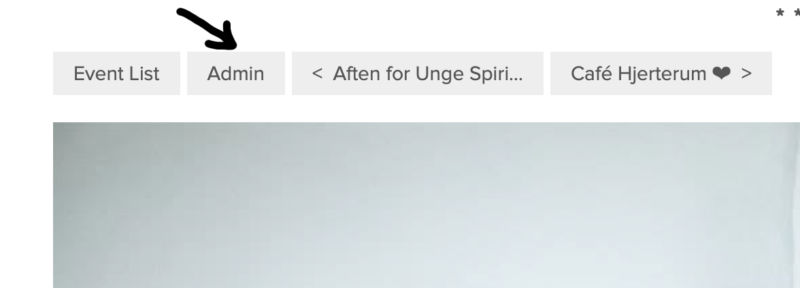
- Select ‘Admin’ above your event picture – refresh page if you cannot see ‘Admin’.
- Select ‘Dashboard’ to see your participants.
- From here you can also edit all aspects of your event.
You can see a video tutorial for setting up an event here: